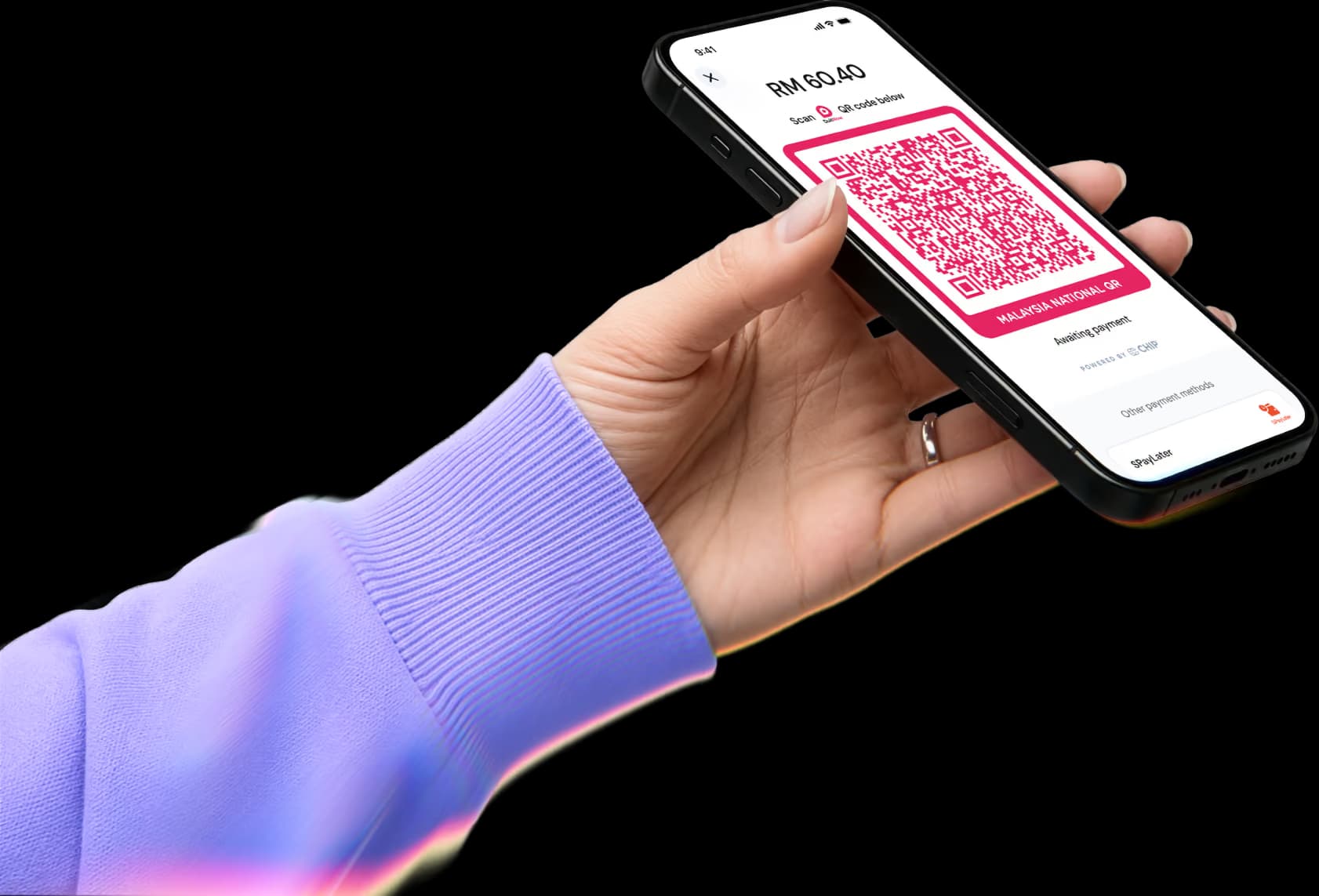
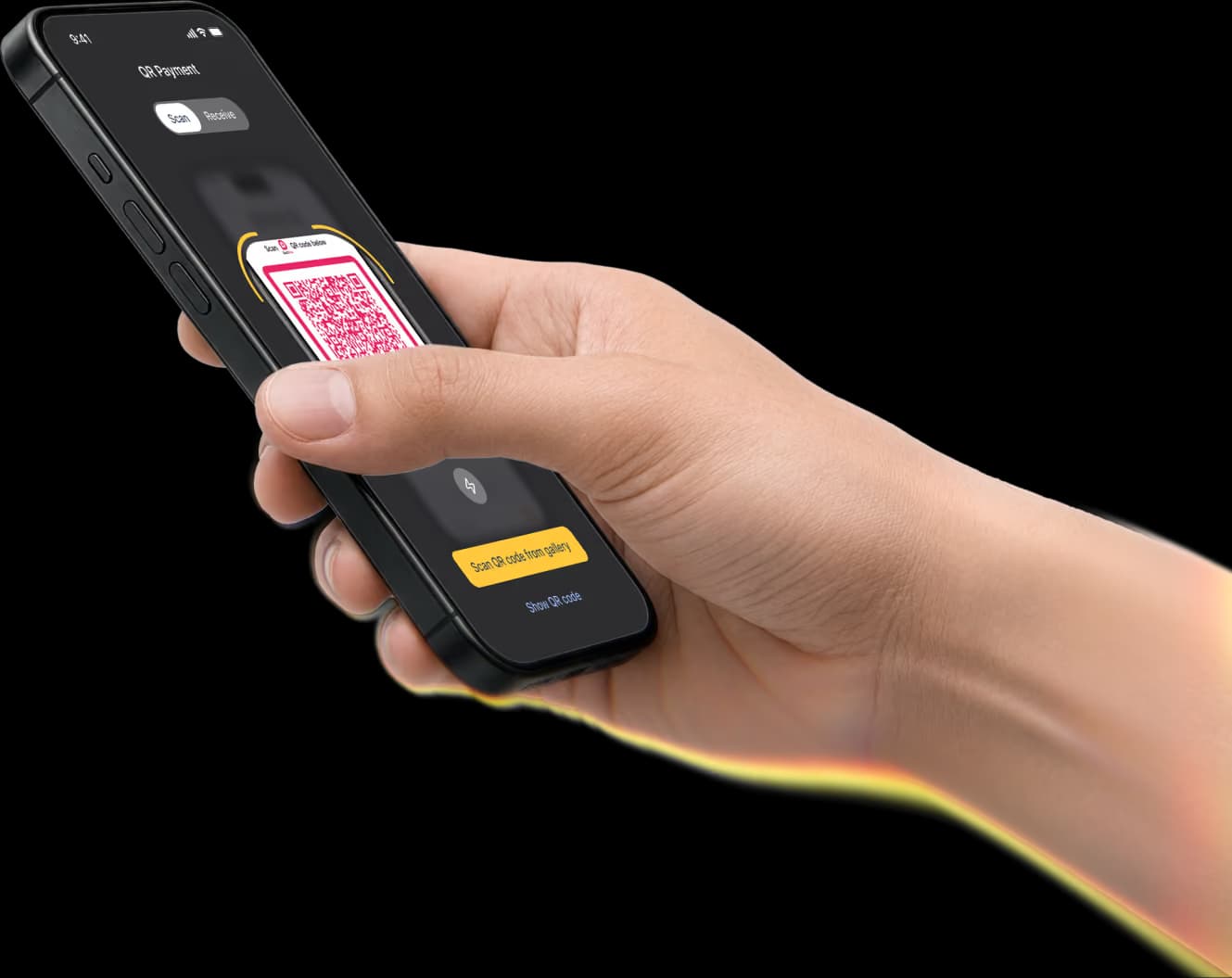
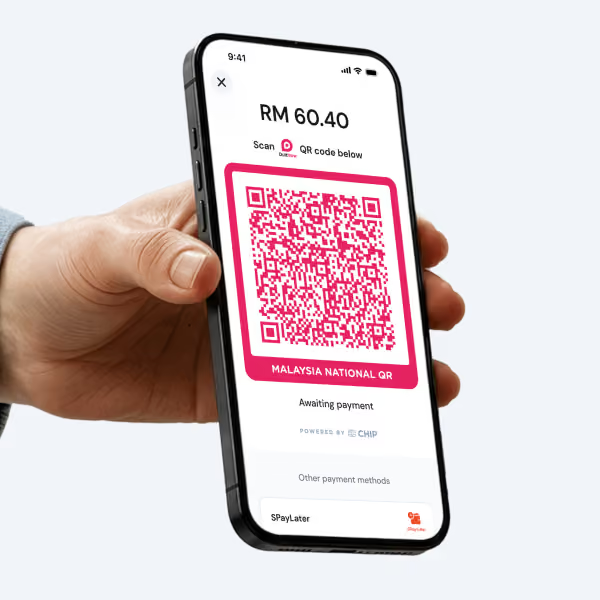
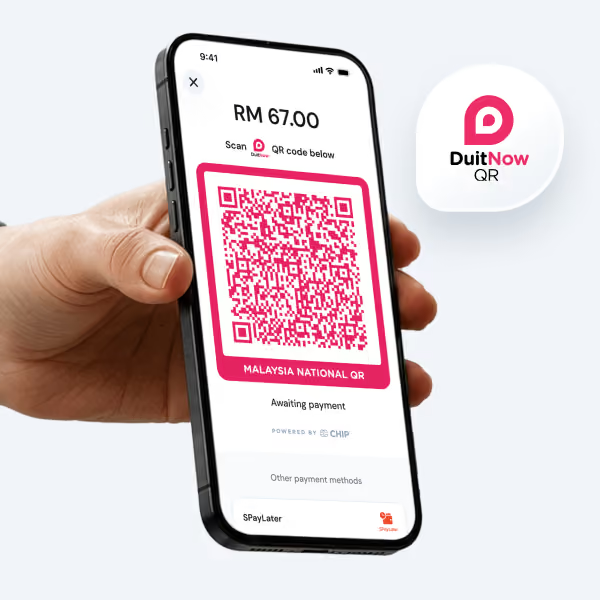
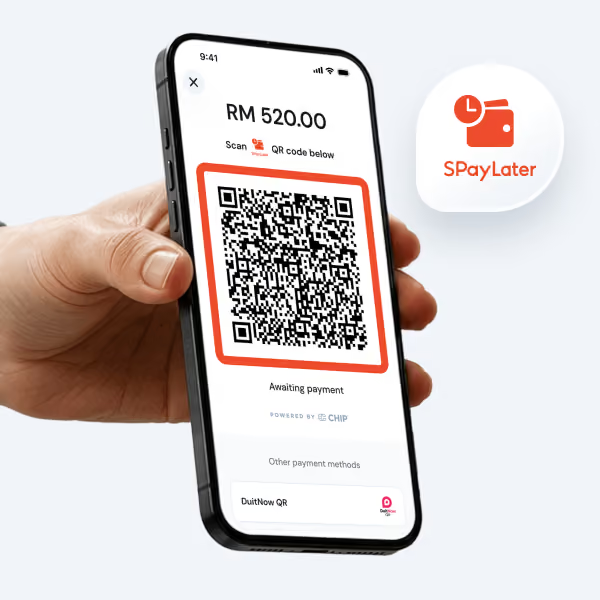
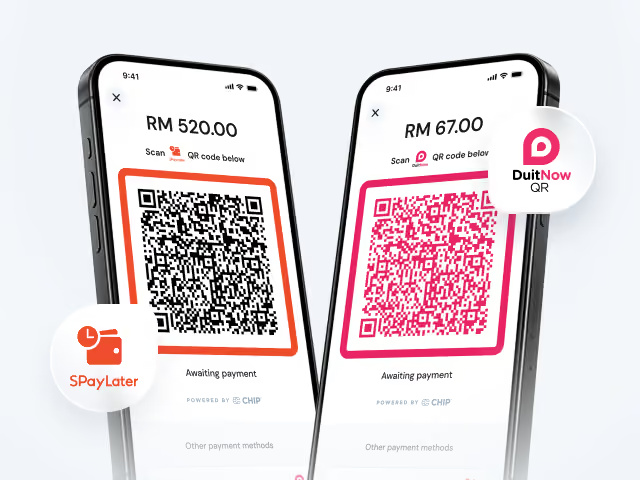
Every QR code includes the correct amount. Customers simply scan and pay.
Customers key in the amount themselves. Increasing the risk of typing mistakes.
A time-limited QR code is generated for every sale.
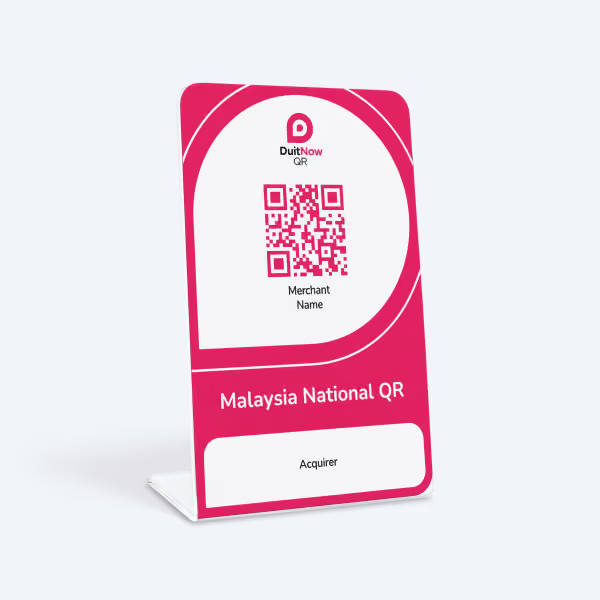
Same QR code is used. Harder to find unauthorized payments.
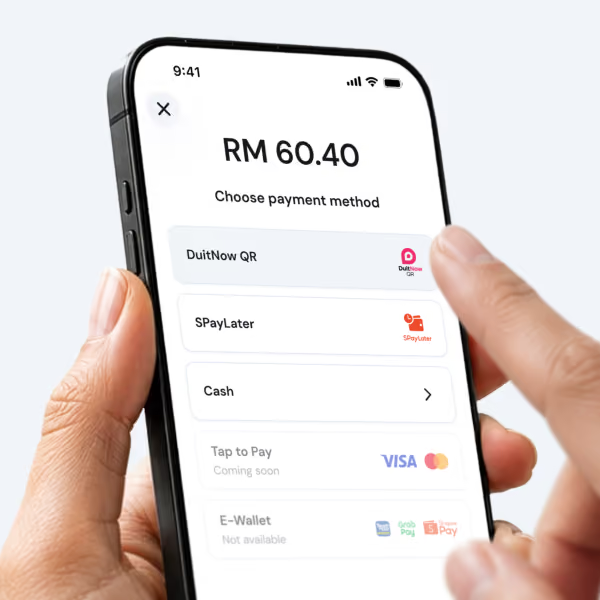
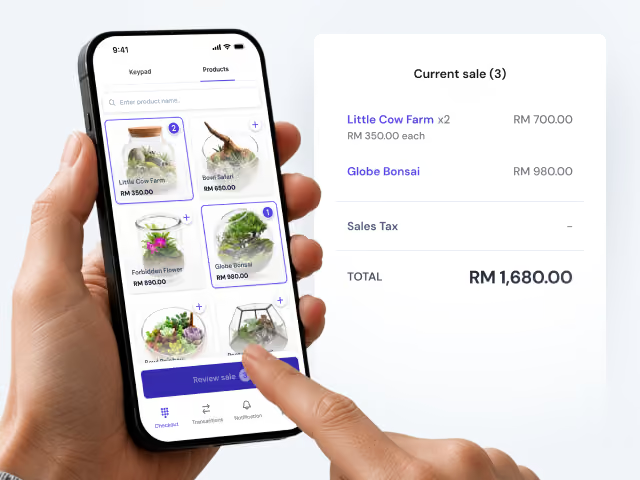
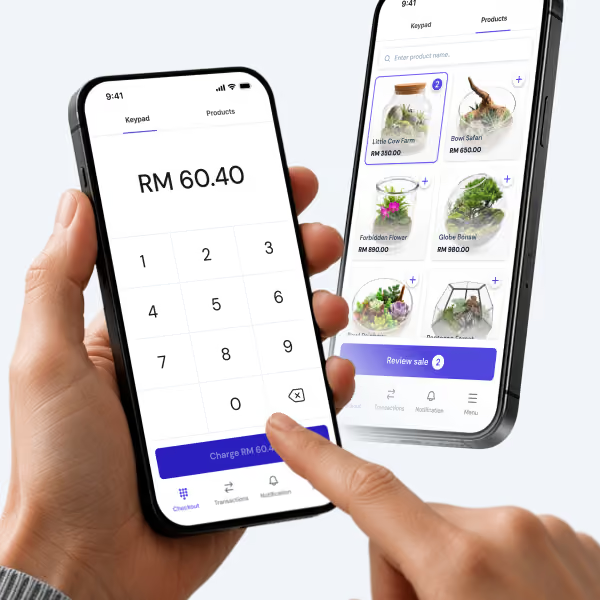
Select from products list and auto-calculate sale amount during checkout.
Calculate total manually before telling customers how much to pay.
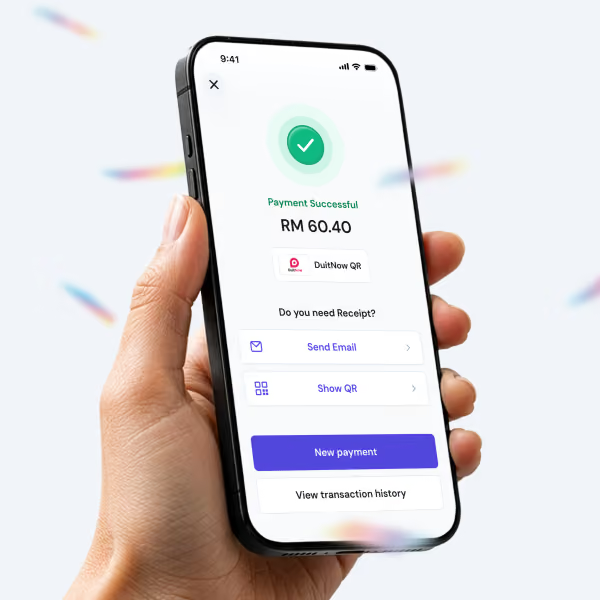
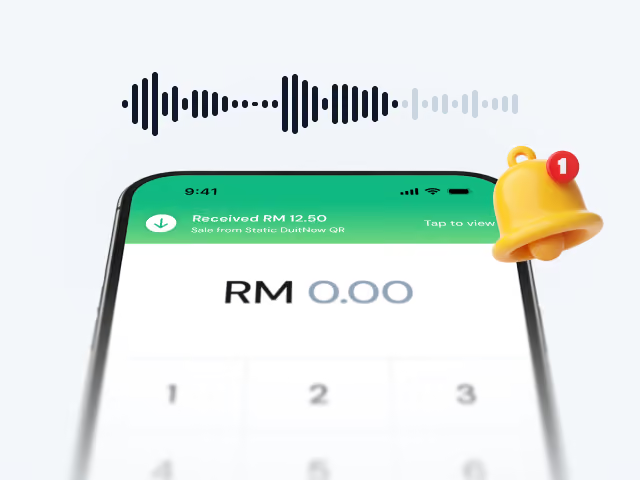
Hear a voice confirmation after each successful payment without looking at the screen.
Manually check the screen or banking app to confirm every payment.
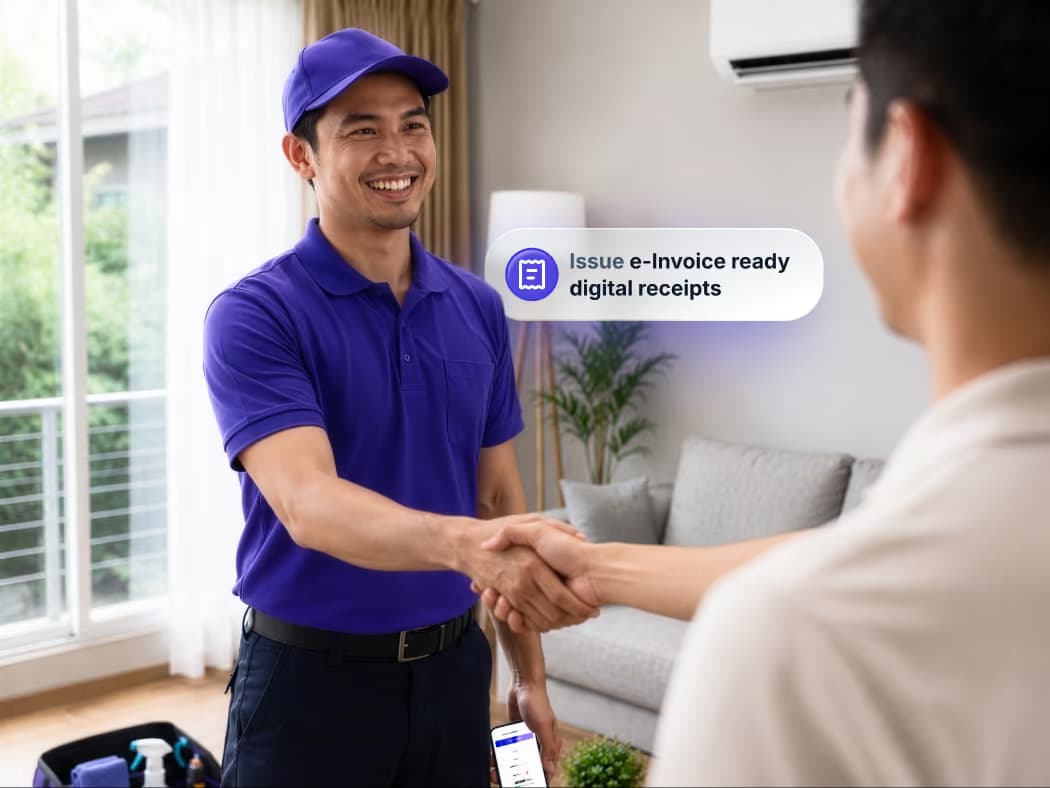
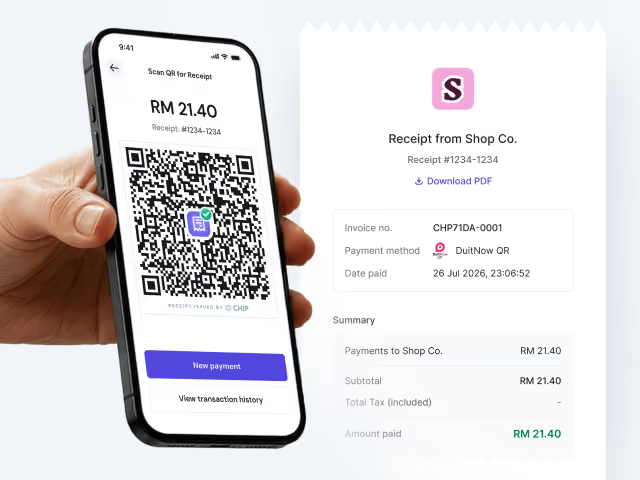
Issue e-Invoice ready digital receipts to customer email or let them scan a QR code.
Receipts are issued separately.
Operations and reporting
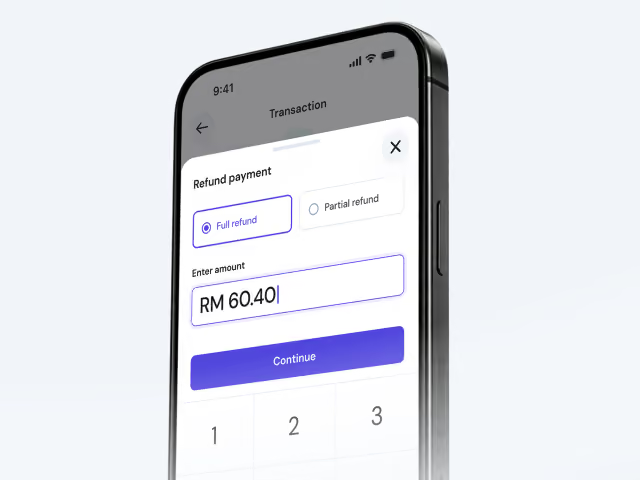
Issue full or partial refunds directly to the customer's original payment method.
Handle refunds separately and record each transaction manually.
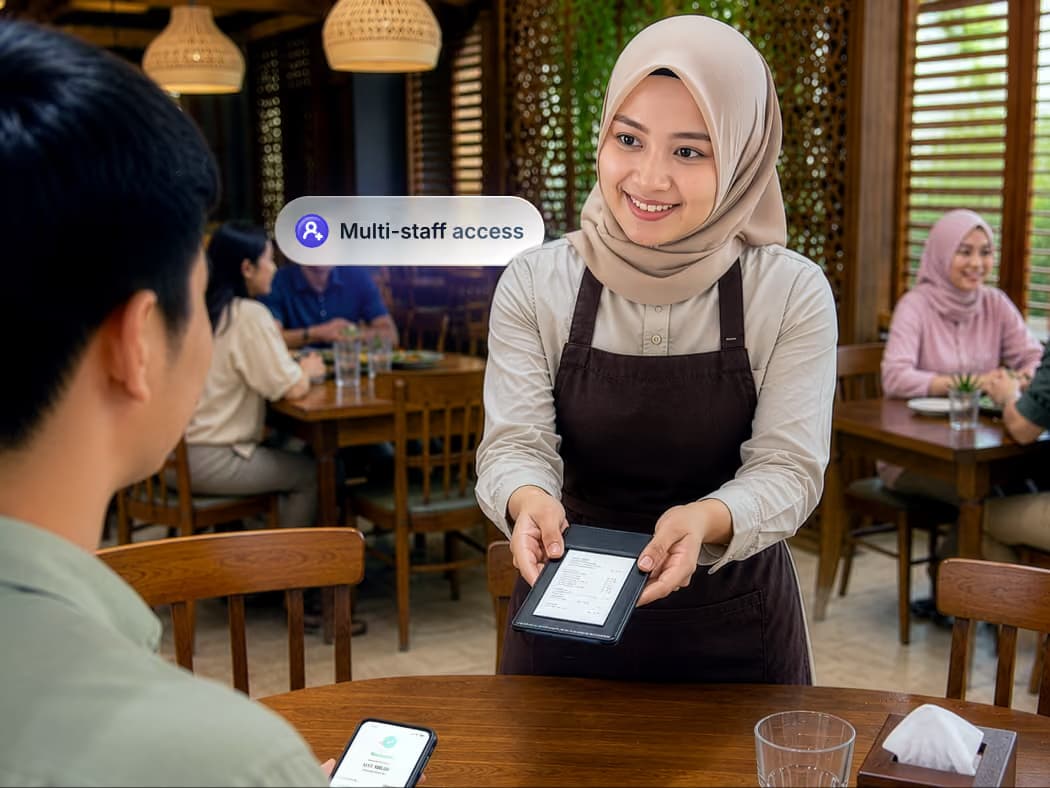
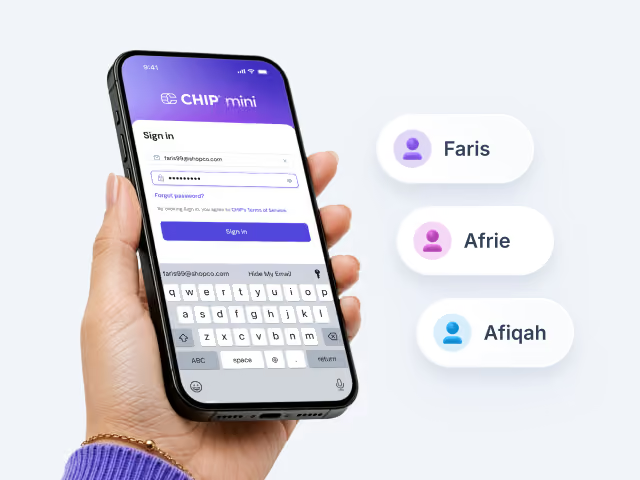
Add multiple staff with individual logins so they can handle more customer using their own device.
Everyone shares the same printed QR, with no individual access.
Filter by customer or product in payments history.
No customer or product details linked to payments.
Export sales reports in Excel format.
Sales records must be compiled manually.
View all online and in-person transactions in one dashboard for faster reconciliation and reporting.
Payments are managed separately, requiring additional reconciliation work.
Built for everyday selling
Features that save you time
Save your best selling products
Each with preset prices to speed up checkout and reduce manual entry.
Team access with individual logins
Invite staffs to your team with their own login under the same business account.
Dynamic QR for every sale
Customers simply scan the QR code and pay the correct amount.
Voice payment confirmation
So you can keep serving customers without constantly checking your phone.
E-Invoice ready digital receipts
Offer digital receipts through scanning a QR code or PDF sent by email.
Refund in seconds
Process full or partial refunds directly to customer's original payment method from the app.
CHIP mini
Frequently Asked Questions
Can customers pay using any banking app?
Yes. Customers can scan your DuitNow QR using any participating banking app or e-wallet.
Which phones are supported?
CHIP mini works on iPhone (iOS), Android and Huawei devices running HarmonyOS.
Can multiple staff use CHIP mini?
Yes. Invite team members from the CHIP Portal and assign them access to CHIP mini. Once they accept the invitation, they can sign in on their own phone and start collecting payments. All payments are settled directly to your business bank account.
Do I need any hardware or POS machine?
No. CHIP mini turns your smartphone into a payment terminal. There’s no QR stand, card terminal or additional hardware to buy or install — just a smartphone with an internet connection.